

Web MCP, short for Web Model Context Protocol, is an emerging browser-native standard that lets websites expose structured tools directly to AI agents, removing the need for slow, error-prone DOM scraping. As agentic AI moves into everyday browsing, understanding Web MCP is essential for developers and businesses building agent-ready web experiences. Victoria Olsina covers the protocol’s mechanics, use cases, and implications for the open web.
What Is Web MCP
Precise Definition
Web MCP (WebMCP) is a proposed web standard co-developed by Google’s Chrome team, Microsoft’s Edge team, and Alex Nahas, who built the precursor MCPB while at Amazon. It is currently in W3C incubation. WebMCP lets developers declare a site’s capabilities as “tools” with natural-language descriptions and structured JSON schemas that AI agents can discover and call directly inside the browser. This is different from backend integrations like OpenAPI or standalone Model Context Protocol servers, because WebMCP tools live inside the page itself, with no separate server infrastructure required.
Put Plainly
Think of it as agent-readable labels bolted onto your existing HTML. Instead of an AI reading pixels and guessing what a button does, the site tells it: “here is a tool called checkout, here is the input schema, here is the output.” The Chrome origin trial went live with Chrome 149, and broad Chrome and Edge support is expected by mid-to-late 2026. If your site depends on organic visibility, treat this as the next layer of technical SEO for Web3 and blockchain projects.
Takeaway: WebMCP is a browser-native, W3C-incubated standard that turns your existing page into an agent tool surface without extra servers.
How Web MCP Works
Declarative Approach: HTML Annotations
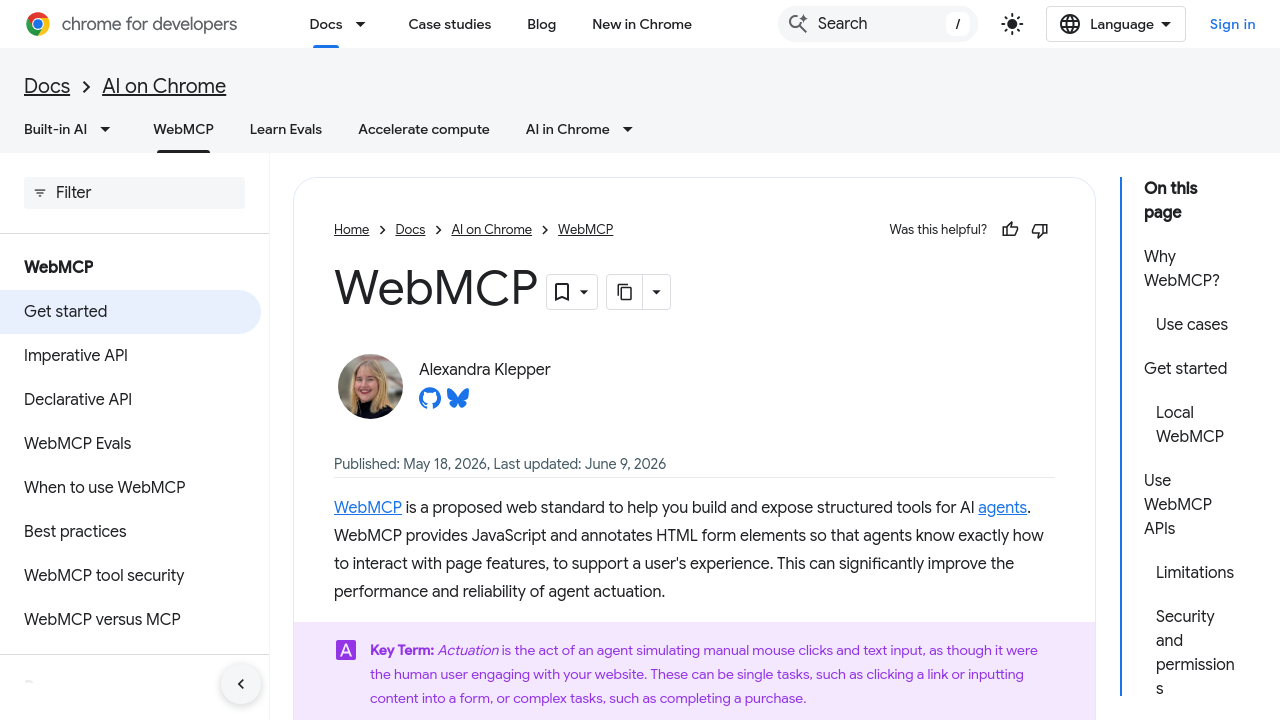
The declarative approach lets developers annotate existing form elements with attributes like tool-name, tool-description, and tool-param-description. A booking form becomes a book_table tool without a line of JavaScript. This is the fastest on-ramp for teams that already care about clean markup, and it slots neatly into the same discipline used for title tags and meta descriptions: declare intent explicitly rather than hoping a parser guesses right.
Imperative Approach: JavaScript API
The imperative path uses navigator.registerTool() (or a WebMCP JavaScript library’s registerTool method) to define tools programmatically, with full input schemas, natural-language descriptions, and execution logic. This is the route to take when a tool needs conditional inputs, custom validation, or state pulled from a client-side store. Teams already running SEO automation workflows will find the pattern familiar: define the contract, expose the endpoint, let the machine call it.
Discovery, JSON Schemas, and State
According to the Chrome for Developers WebMCP documentation, the standard rests on three pillars:
- Discovery, a standard way for pages to register named tools like
checkoutorfilter_results. - JSON Schemas, explicit input and output definitions that reduce hallucination.
- State, a shared page context so agents know which resources are available in real time.
Tools execute visibly on the page, preserving user trust and the site’s human-centred design. TypeScript definitions ship in the webmcp-types npm package, and the reference implementation lives at webmachinelearning/webmcp on GitHub (2.9k stars as of mid-2026). For sites that already publish structured data for LLM consumption, WebMCP is a natural extension of the discipline covered in how to write content for LLMs.
Takeaway: Pick declarative for existing forms, imperative for anything stateful, and rely on JSON Schemas to keep agents from improvising.
Why Web MCP Matters: The Problem It Solves

The DOM Scraping Bottleneck
Today’s browser agents extract raw HTML, clean it, feed it to an LLM, take a screenshot, annotate elements, and guess the next click. It is slow and it is nondeterministic. According to Scalekit’s engineering analysis, the same agent on the same page can navigate successfully nine times and fail on the tenth because a minor design change shifted an element. For any workflow past a demo, that reliability gap is a blocker. The problem compounds for dApps and complex funnels, which is why indexing and crawl management for Web3 already treats machine readability as first-class.
Reliability and Accuracy Gains
WebMCP removes the interpretation step. Instead of an agent inferring what “Add Item” means from visual context, the site declares an add_item tool with typed inputs and outputs. Task completion speeds up, and error rates fall. The Chrome for Developers docs describe this as “significantly improving the performance and reliability of agent actuation.” It also solves the UI disintermediation problem of pure backend integrations, where agents bypass the web UI entirely, causing context loss and forcing developers to replicate auth state on a separate server. If you are already thinking about generative engine optimisation, WebMCP is the actuation layer that pairs with it.
Takeaway: WebMCP replaces “guess the DOM” with “call the declared tool,” which is faster, deterministic, and preserves your auth boundary.
Web MCP Use Cases for Developers and Businesses
E-Commerce and Booking Flows
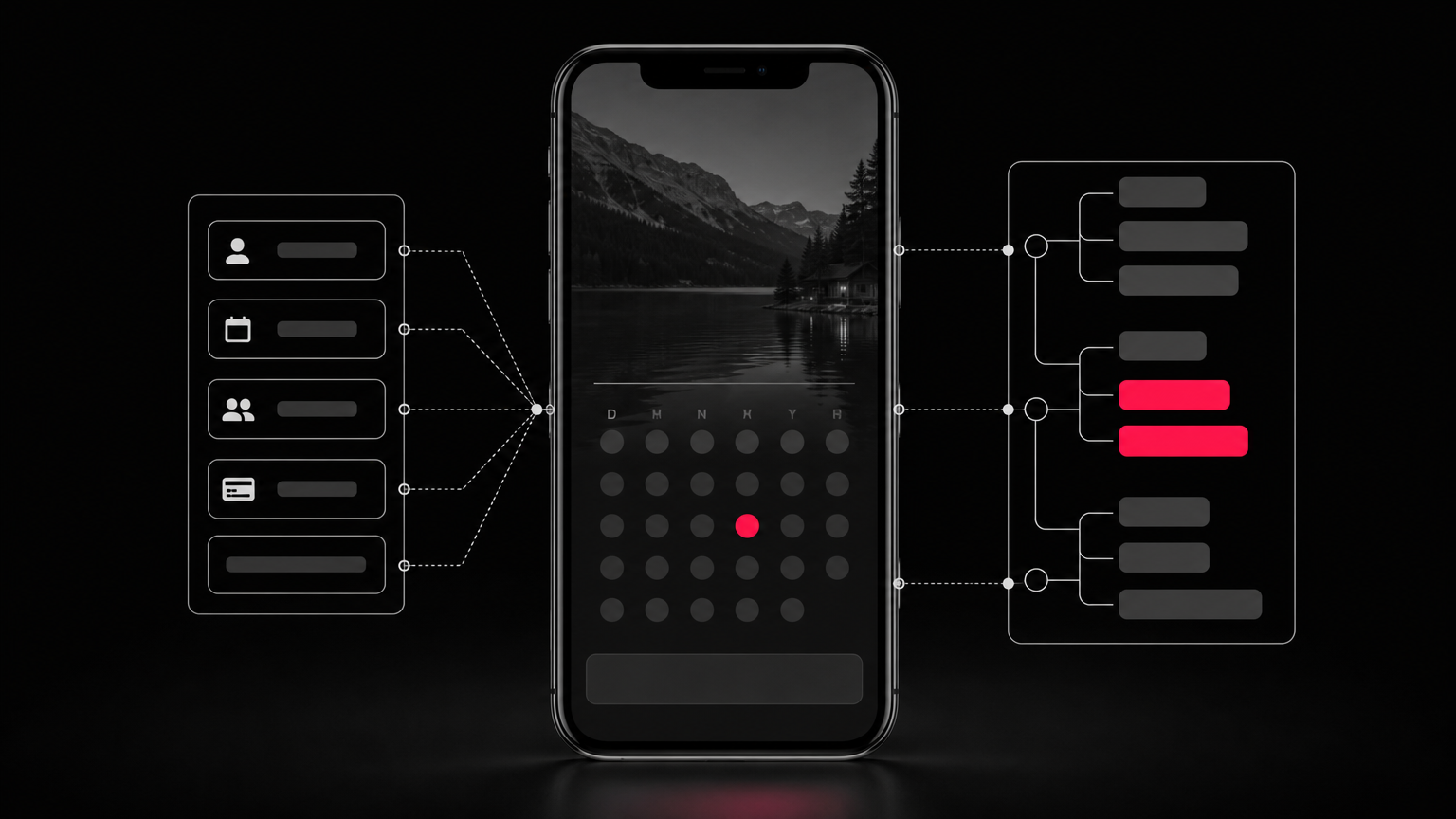
A submit_application tool maps conversational user data to structured form fields, correctly distinguishing between a single full-name field and separate first/last name inputs. A date_pick tool lets agents handle complex reservation calendars that were designed only for human interaction. Travel booking is a documented case: agents complete multi-city, multi-passenger trips with fewer steps and can require user confirmation before sensitive actions like purchases. For merchants, this pairs directly with product-led SEO for Web3, where the product surface itself becomes the acquisition channel.
Support and Diagnostics
A run_diagnostics tool on a developer settings page lets an agent trigger fixes that would otherwise sit behind three nested menus. A support flow with a route_ticket tool skips the “find the right form” dance entirely. These are the same efficiency arguments behind AI content automation for Web3: expose the capability directly, stop making humans (or agents) navigate for it.
Web3 and Decentralised Applications
For dApps, WebMCP could expose wallet interactions, token approval flows, and smart contract function calls as named tools, giving agents a reliable interface without scraping frontends that change every sprint. A swap_tokens tool with a strict JSON Schema is far safer than an agent parsing a swap widget by pixel. This is the actuation counterpart to SEO for Web3 that 5x’s traffic: if agents are the next discovery channel, dApp UIs need to be legible to them.
Takeaway: Any surface with forms, sensitive actions, or hidden capabilities is a WebMCP candidate. Web3 UIs benefit most because their DOM churn is highest.
Common Misconceptions About Web MCP
Misconception: WebMCP Replaces MCP Servers / Reality: They Are Complementary
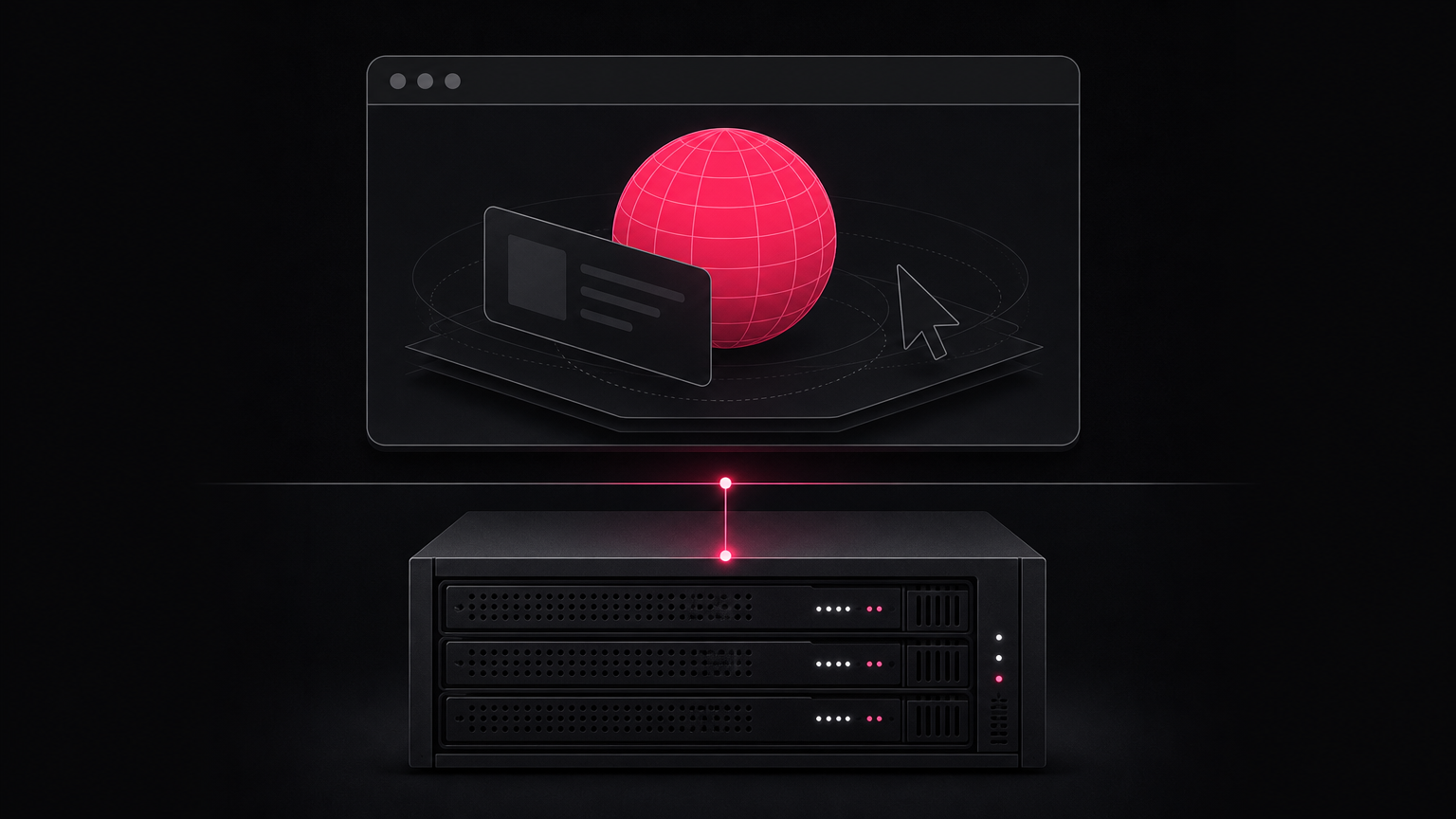
WebMCP does not replace server-side MCP. It is a client-side complement for browser-context interactions where backend integrations force state and auth replication. Backend MCP still owns pure server actions (send an email, query a database). WebMCP owns the in-page surface. Teams already publishing an LLMs.txt for Web3 sites should treat WebMCP as the actuation layer that sits alongside it.
Misconception: Only Large Sites Need It / Reality: Progressive Enhancement for Any Site
WebMCP is a progressive enhancement. A single script tag or a handful of HTML attributes is enough to make an existing page agent-accessible. No rewrite, no separate service. Small sites benefit disproportionately because they cannot afford the engineering headcount to maintain a parallel MCP server. This mirrors the argument for one-page Web3 sites and SEO: small surfaces, high clarity, machine-legible.
Misconception: WebMCP Gives Agents Unrestricted Access / Reality: Developers Control What Is Exposed
Developers register only the tools they choose to expose. Agents cannot arbitrarily actuate unlisted page features through the WebMCP surface. Tools execute in the browser context and remain visible to the user, so oversight is preserved, unlike invisible backend calls. The standard is still in W3C incubation and origin trial, so production adoption means monitoring the Chrome Status tracker and the GitHub spec. Governance is part of the picture, same as with E-E-A-T for Web3 and crypto SEO: visibility and control are features, not afterthoughts.
Takeaway: WebMCP is opt-in, additive, and visible. Treat it like any other capability surface: declare the minimum, monitor the spec.
Related Concepts
Model Context Protocol (MCP)
MCP is the broader standard, originally from Anthropic, defining how AI agents communicate with external tools and services. WebMCP applies MCP’s principles natively inside the browser. For agencies already mapping content silos for Web3, MCP is the parent taxonomy and WebMCP is a child node.
Browser Agents
Browser agents are AI systems built into browsers, extensions, or iframes that perceive and act on web pages for a user. WebMCP exists specifically to make those interactions faster and more deterministic, which matters for search intent across the Web3 marketing funnel where agents increasingly stand in for human clicks.
JSON Schema
JSON Schema is the format WebMCP uses to define tool inputs and outputs. Agents validate data before calling a tool, which cuts hallucinated arguments. It is the same kind of contract discipline that keeps a solid SEO audit checklist honest.
Origin Trials
Origin trials are Chrome’s mechanism for testing proposed web APIs with real developers before full standardization. WebMCP’s origin trial started in Chrome 149. Treat it like any experimental spec: prototype, don’t productionize, and monitor for breaking changes the same way you would during redirection management after a migration.
Tool Calling in LLMs
Tool calling is how LLMs invoke external functions instead of generating free text. WebMCP extends tool calling to in-browser web application surfaces, which is why it belongs in any modern Web3 backlink strategy discussion: your site’s tools become discoverable endpoints that agents cite and call.
Frequently Asked Questions
What is Web MCP and how does it work?
Web MCP is a proposed browser standard that lets websites declare capabilities as named tools with JSON Schemas. AI agents discover those tools on page load and call them directly, skipping DOM scraping and visual inference.
What is the difference between WebMCP and MCP?
MCP is the broader Anthropic-originated protocol for agent-to-tool communication, typically hosted on a backend server. WebMCP applies the same principles inside the browser page itself, so no separate server or auth replication is required.
How do I add WebMCP to my website?
Two options. Annotate existing HTML forms with tool-name and tool-description attributes for the declarative path, or call navigator.registerTool() with a JSON Schema for the imperative path. A single script tag bootstraps either approach.
Is WebMCP available in all browsers?
Not yet. The Chrome origin trial launched with Chrome 149. Broad Chrome and Edge support is expected by mid-to-late 2026. Safari and Firefox have not committed publicly. Feature-detect before relying on it in production traffic.
Does WebMCP pose security risks by exposing my website to AI agents?
Only exposed tools are callable, and they run visibly in the user’s browser context. Developers control the surface. Sensitive actions can require an explicit confirmation dialogue, which is safer than backend integrations that act invisibly on the user’s behalf.
What is the difference between the declarative and imperative WebMCP approaches?
Declarative uses HTML attributes on existing form elements, ideal for static forms and low-effort adoption. Imperative uses the JavaScript registerTool API for dynamic tools with custom logic, stateful inputs, or outputs that depend on runtime conditions.
How does WebMCP improve on DOM scraping by browser agents?
Scraping is nondeterministic: minor UI shifts break agents. WebMCP replaces inference with declaration. The agent calls a named tool with typed inputs, so completion is faster, error rates fall, and the site keeps control over what runs.
Is WebMCP the same as the Chrome Web MCP extension in the Chrome Web Store?
No. WebMCP is a proposed W3C web standard implemented natively in the browser via an origin trial. Third-party extensions with similar names are separate products and are not part of the official specification.
Conclusion
Web MCP is the actuation layer that finally makes the open web legible to AI agents without sacrificing the UI humans use. Declare the tool, define the schema, keep the user in the loop. Sites that adopt it early will be the ones agents complete tasks on reliably, which is the new baseline for organic reach. For an actionable read on where agent-ready design meets search visibility, see Victoria Olsina’s Web3 SEO blog and start mapping which page surfaces deserve tools first.
Part of a program.
Ready to make your Web3 project discoverable across Google and AI search? Book a free strategy call.


![Victoria Olsina, mentor at R[3]sidency x Construct](https://victoriaolsina.com/wp-content/uploads/2026/10/r3sidency-mentor-victoria-olsina-26239-300x158.png)




