

A 404 error is one of the most common HTTP status codes on the web, signaling that a server could not find the resource a browser requested. For website owners, especially in competitive digital spaces, understanding what causes 404 errors and how to resolve them is essential for preserving both user experience and search rankings. Victoria Olsina Web3 SEO Agency covers this and other technical SEO fundamentals for Web3 and blockchain sites in depth.
What Is a 404 Error
Precise Definition
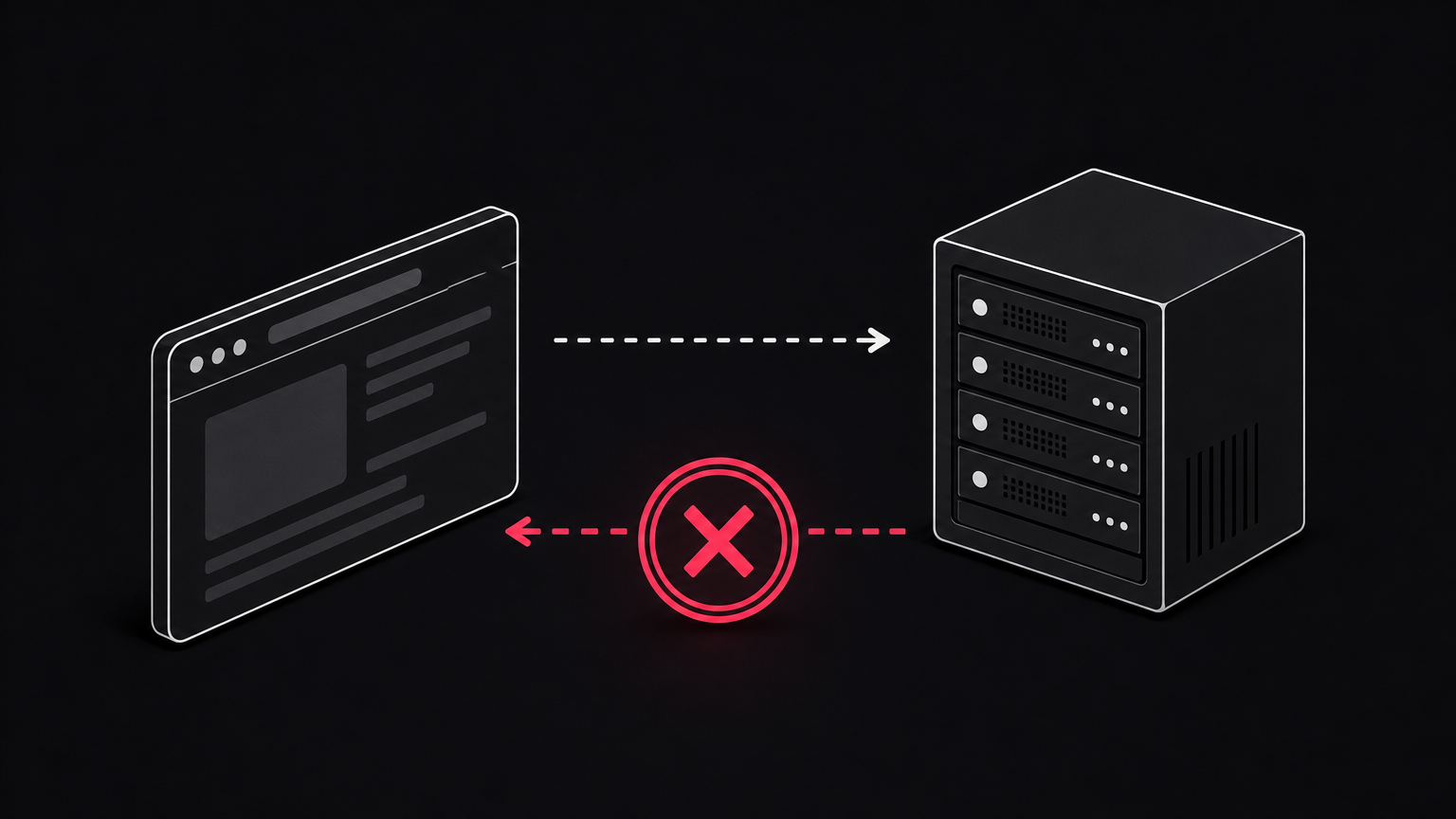
A 404 is an HTTP client error status code returned when a web server is reached successfully but cannot locate the resource the browser asked for. The first digit “4” signals a client-side problem, most often a mistyped or outdated URL, while the following two digits specify the exact condition. Per the HTTP Semantics specification, the recommended reason phrase is “Not Found,” and servers typically render an HTML page containing that phrase. When a resource has been permanently removed, the correct response is 410 Gone, though most sites default to 404 anyway. A well-structured SEO audit checklist will flag both cases.
In Plain English
The server is alive. The page is not. That distinction matters because a 404 is not the same as a DNS error, where the domain itself cannot be resolved. Confusing the two leads to bad diagnostics, which is why solid indexing and crawl management documentation separates them clearly.
How 404 Errors Work

The HTTP Request-Response Cycle
Every page load starts the same way. The browser sends a request, the server processes it, and a numeric status code comes back. A 200 means success, a 301 means the resource has moved, and a 404 means the server searched but found nothing at that path. Search crawlers follow the same rules as browsers, so a 404 tells Googlebot to drop the URL from its active index over time. Consistent status codes are one of the foundations of Web3 technical SEO, because inconsistent responses waste crawl attempts on decentralized frontends.
Soft 404 Errors Explained
A soft 404 is worse than a real one. It happens when the server returns a “200 OK” for a page that visually says “not found,” which misleads crawlers into treating an empty page as valid content. The term was coined in 2004 by Ziv Bar-Yossef and colleagues, and Google now uses automated detection to flag them. Soft 404s drain crawl budget on Web3 sites because bots keep re-fetching pages that carry no real content. On Apache, a common trigger is misconfiguring ErrorDocument in .htaccess with an absolute URL instead of a relative path, which causes a redirect chain ending in a 200 status.
Common Causes of 404 Errors
URL and Structural Changes
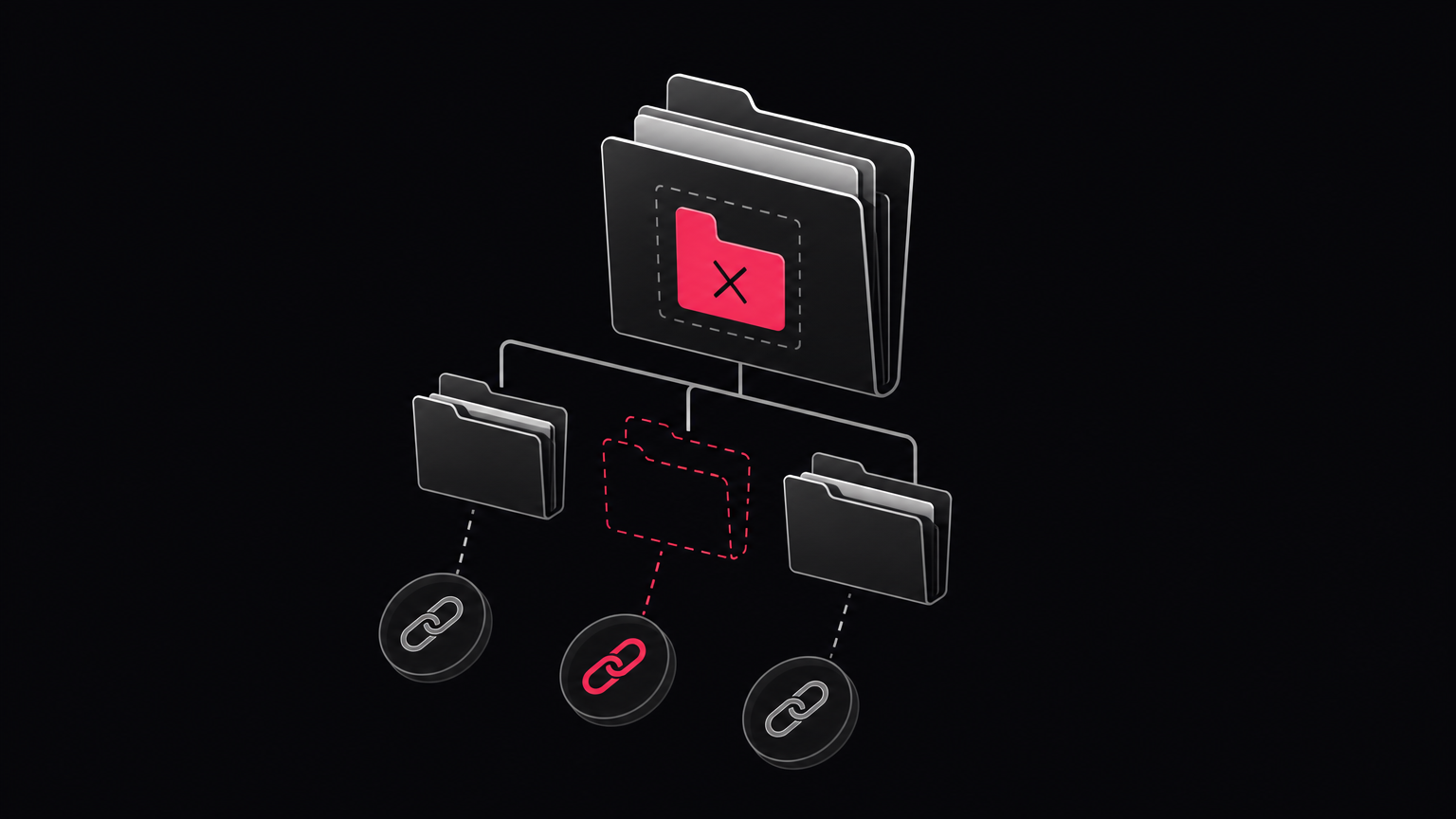
Most 404s trace back to a handful of predictable events. A page is deleted. A permalink structure changes. A category is renamed. A domain is migrated. In each case, the old URL still lives in Google’s index, in external backlinks, or inside internal navigation, but the server no longer maps it to anything. This is why redirection management is treated as a first-class concern during any site restructure, not a cleanup task afterward.
External and Internal Link Rot
Link rot is the slow decay of the web. External sites update, delete, or restructure their pages, and any inbound link pointing at an old URL turns into a broken link on your side. Internally, the same problem shows up when writers reference archived posts or when a CMS migration rewrites slugs. A disciplined internal linking strategy for crypto sites catches this early. User typos in the address bar also generate 404s, but those are noise rather than signal and are not worth remediating.
Why 404 Errors Matter for SEO and User Experience
Impact on Search Rankings and Crawl Budget
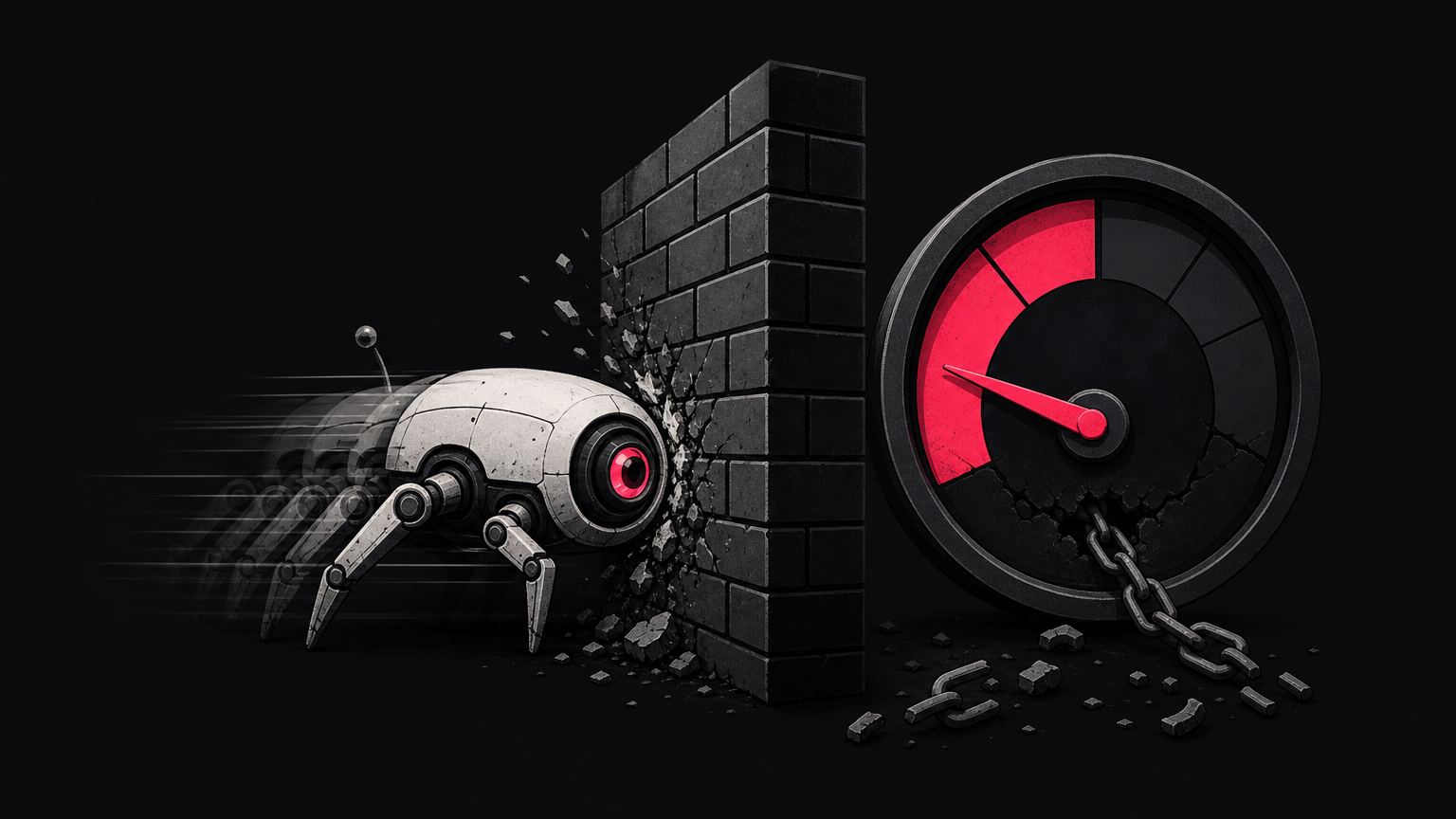
Search engines allocate a finite amount of crawl activity to each site. Every time Googlebot fetches a URL that returns a 404, that request is spent on nothing. On a small site this is invisible. On a 50,000-page programmatic site, it compounds fast, which is why programmatic SEO for Web3 and crypto demands strict URL hygiene. Backlinks pointing to a 404 page also pass no link equity, so any ranking authority the original page accumulated is stranded. High volumes of 404s across a domain also feed into overall site-quality signals.
Effect on Bounce Rate and Conversions
From the user side, a 404 is a dead end. Most visitors leave immediately, which spikes bounce rate and kills the conversion path the traffic was supposed to serve. The Not Found (404) filter inside Google Search Console’s Pages report is the standard free tool for surfacing these URLs at scale, and a proper search intent map across the Web3 funnel helps decide which broken URLs matter most to recover.
Common Misconceptions About 404 Errors
Misconception: All 404s Harm SEO Equally / Reality: Not All 404s Are Equal
A 404 on a URL that was never indexed, never linked to, and never crawled has essentially zero SEO impact. The 404s that hurt are the ones with inbound backlinks, internal links, or historical rankings behind them. Prioritizing by traffic and link value is standard practice in any content audit workflow.
Misconception: A Custom 404 Page Fixes the Error / Reality: It Only Improves User Experience
A well-designed 404 page keeps the visitor on the site by offering search, navigation, and popular links. It does not, however, restore the broken URL or reclaim lost link equity. That still requires a 301 redirect or a live replacement page. Good title tags and meta descriptions on the destination help recover click-through once the redirect is in place.
Misconception: 404 and DNS Errors Are the Same / Reality: They Occur at Different Layers
A DNS error means the domain name never resolved to a server. A 404 means the server responded, but the specific resource is missing. Different layer, different fix. Returning a clean 404 for a genuinely gone page is correct behavior; the real problem is when inbound and internal links still point at it. Soft 404s are typically more damaging than hard ones because they hide the vacancy from crawlers, an issue often surfaced in a proper indexing and crawl audit.
How to Find and Fix 404 Errors
Detecting 404 Errors on Your Site
Start with Google Search Console. The Pages report lists URLs the crawler tried to index and grouped by response type, and the “Not Found (404)” bucket is the primary free diagnostic. Third-party crawlers like Screaming Frog and Ahrefs walk internal links and dump every 404 response in bulk, which is faster than waiting for Search Console to catch up. Teams running large content operations usually fold this step into a broader SEO automation workflow so detection runs weekly rather than quarterly.
Fixing 404 Errors Step by Step
The fix depends on intent.
- Moved or renamed pages: implement a 301 redirect from the old URL to the closest live equivalent. This preserves ranking signals and cleans up inbound links in one step.
- Deleted pages with no replacement: return a clean 404 or a 410 Gone, and update or remove any internal links still pointing at them.
- Backlinked orphans: if a 404 has valuable external links, either restore the page or 301 it to a topically relevant destination, not the homepage.
- Custom 404 page: add a search bar, primary navigation, and links to your best content so visitors have somewhere to go.
A disciplined redirect strategy is the highest-use step here, which is why redirection management sits near the top of most technical SEO playbooks.
| Fix action | When to use it | SEO effect |
|---|---|---|
| 301 redirect | Page moved or has a clear replacement | Preserves link equity |
| 410 Gone | Page permanently removed, no replacement | Signals removal to crawlers |
| Clean 404 | Page gone, no equity to preserve | Neutral, no signal loss |
| Restore page | Broken URL with strong backlinks | Recovers rankings and equity |
Frequently Asked Questions
What is a 404 error and what causes it?
A 404 is an HTTP status code indicating the server was reached but could not find the requested resource. Common causes include deleted pages, mistyped URLs, renamed permalinks, and site migrations completed without matching redirects.
Does a 404 error hurt SEO?
Some do, most do not. A 404 on an unindexed, unlinked URL is harmless. A 404 on a page with backlinks or historical traffic loses that link equity and can drag on rankings until it is redirected or restored.
What is the difference between a 404 and a soft 404?
A hard 404 returns the 404 status code, correctly telling crawlers the page is missing. A soft 404 returns a 200 OK on a page that displays a “not found” message, misleading crawlers and wasting crawl budget on empty content.
How do I find 404 errors on my website?
The fastest free method is Google Search Console’s Pages report, filtered by “Not Found (404).” For deeper coverage, run a full crawl with Screaming Frog or Ahrefs to catch internally linked 404s that Search Console has not yet surfaced.
How do I fix a 404 error?
If the page moved, add a 301 redirect to the new URL. If it was deleted permanently, return a clean 404 or 410 and remove internal links pointing at it. Never redirect indiscriminately to the homepage.
What is the difference between a 404 error and a 410 error?
A 404 means the resource is not found and may or may not return. A 410 Gone means the resource has been intentionally and permanently removed. Crawlers deindex 410 URLs faster than 404s because the signal is unambiguous.
Should I redirect all 404 pages to my homepage?
No. Google treats homepage-only redirects for deleted pages as soft 404s because the destination has no topical match. Redirect to a relevant replacement page, or let the URL return a clean 404 or 410.
What should a good custom 404 page include?
A helpful custom 404 page includes a clear “page not found” message, a search bar, primary navigation, links to popular or recent content, and a link back to the homepage. Keep the branding consistent with the rest of the site.
Conclusion
404 errors are not catastrophic on their own, but they compound. Left unmanaged, they burn crawl budget, strand link equity, and hand visitors a dead end at the moment they were closest to converting. The fix is not glamorous: audit regularly, redirect deliberately, and treat your custom 404 page as a routing tool rather than a decoration. For teams building in competitive verticals, Victoria Olsina Web3 SEO Agency publishes deeper technical playbooks on how these fundamentals compound into ranking gains.
Citations and claims verified by an AI fact checker.


![Victoria Olsina, mentor at R[3]sidency x Construct](https://victoriaolsina.com/wp-content/uploads/2026/10/r3sidency-mentor-victoria-olsina-26239-300x158.png)




