Header SEO is the use of H1 to H6 heading tags to structure a page so readers, screen readers and Google can see what each section covers. The tags matter less to Google than most SEO advice suggests, but a clear hierarchy still helps comprehension and topic clarity. Victoria Olsina treats headings as the skeleton of a page, part of the wider on-page SEO work, not a ranking lever on their own.
Definition: what header SEO means
Heading tags are the HTML elements H1 to H6 that label a page’s sections, with H1 the most important and H6 the least.
SEOs usually call them header tags. They are not the <header> element, which marks a page or section banner.
Header SEO is the practice of writing and nesting those headings so each one accurately describes the section beneath it.
Plain language: headings are the table of contents built into your page.
How heading tags work, and how they break
Start with the failures. They are more common than the successes.
- Skipped levels. An H1 followed directly by an H3, with no H2 between them.
- Bold text posing as headings. A line styled big and bold, but marked up as a paragraph.
- Stuffed H1. A heading crammed with keyword variants that no human would write.
- Headings used for styling. An H3 chosen because the editor likes its font size.
Each one breaks the outline that screen readers and table of contents tools rely on.
The hierarchy rules
The SEO Handbook’s guide to heading hierarchy sets out rules worth following:
- Use one clear H1 that reflects the page topic and the search intent.
- Use H2s for major sections. Read in sequence, they should work as a table of contents.
- Nest H3s under H2s when a section needs subdivision.
- Do not skip levels, and do not use H3s to style emphasised text.
- Use H4 to H6 only when needed. Most pages stop at H3.
If you are nesting beyond H3, the section probably wants to be its own page.
Worked example: a broken outline and its fix
Example: assume a UK Web3 company publishes a guide to reporting crypto gains to HMRC. The CMS template already outputs the post title as an H1, and the writer adds headings by hand.
Broken version:
- H1: Welcome
- H1: Crypto Stuff You Need To Know
- H3: What counts as a disposal
- Bold paragraph: “Working out your gain”
- Bold paragraph: “Deadlines”
- H2: Crypto tax UK crypto tax HMRC crypto tax guide
Two vague H1s. An H3 jumping straight from H1. Two fake headings that are invisible to assistive technology. One stuffed H2.
Fixed version:
- H1: How to report crypto gains to HMRC
- H2: What counts as a disposal
- H3: Swaps between tokens
- H3: Spending crypto
- H2: Working out your gain
- H2: Deadlines and records
One H1 that states the topic. H2s that read as a contents list. H3s nested where a section needs them.
Takeaway: read your headings alone, in order. If they do not tell the story of the page, the markup is wrong.
Why heading tags matter

Headings do three jobs. Only one of them is about Google.
Reader scanning
People scan before they read. Clear H2s let them jump to the section they came for.
This matters more as answer engines quote sections in isolation.
Accessibility
Screen readers and the browser tools that build a table of contents from headings depend on the hierarchy. A skipped level or a bold fake heading breaks that map for users who rely on it.
Topic clarity for Google
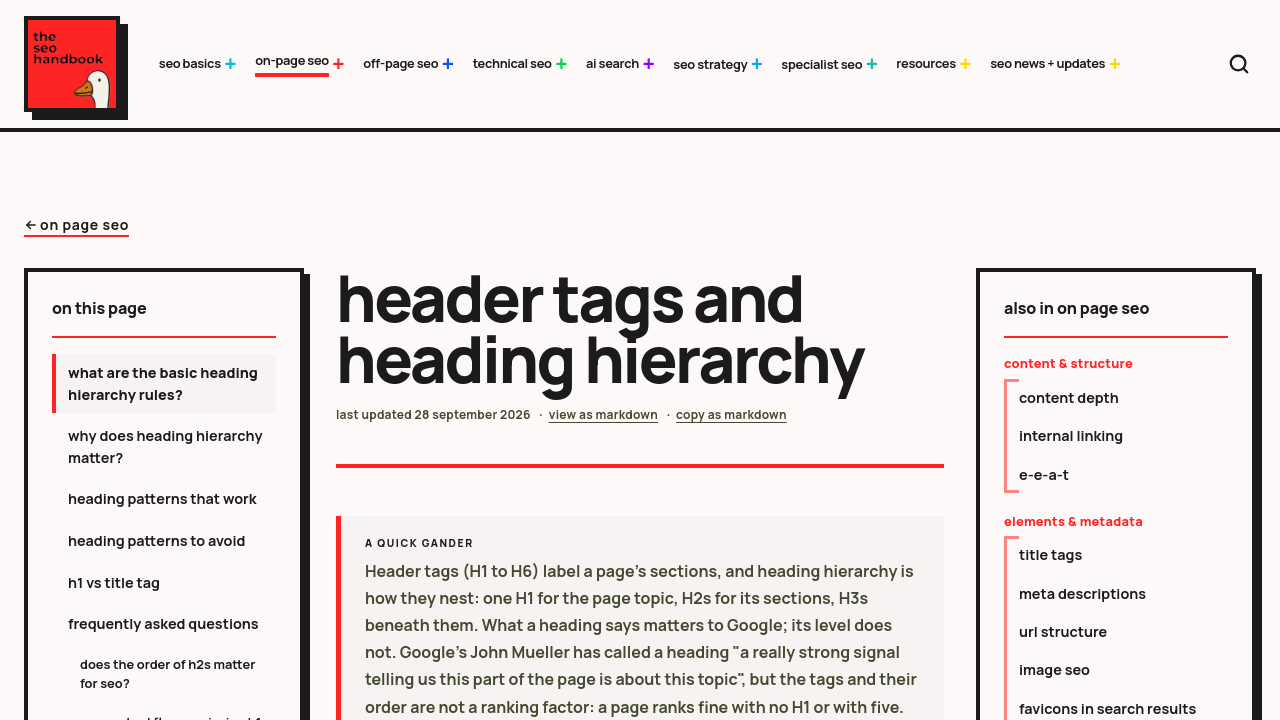
Google reads what a heading says. According to The SEO Handbook, John Mueller called a heading “a really strong signal” about what a part of the page covers.
Google does not care much about which level you use, or the order. Its SEO Starter Guide files the number and order of headings under things not to focus on.
The wording carries weight. The tag number barely does.
A good approach is to match the H1 to the search intent, one of the on-page SEO factors for Web3 sites, and keep it aligned with the title tag without duplicating it word for word. The same logic sits behind how Victoria Olsina approaches AI SEO content: structure the page around the question a reader actually asks.
Takeaway: fix headings for readers and accessibility first. The Google benefit follows from clear wording, not from perfect nesting.
Common misconceptions

Misconception: headings are a major ranking factor
Reality: they matter less to Google than most advice claims. Google’s Gary Illyes has said HTML structure does not matter that much for rankings, according to The SEO Handbook.
The same pattern plays out with AI search too.
Misconception: you must use only one H1
Reality: multiple H1s are valid HTML. One H1 simply keeps the page’s primary topic unambiguous, so one H1 is still the safer default.
Misconception: keyword stuffing headings helps
Reality: write for the reader and the page topic. Use related terms naturally in H2s to signal the sections, not to repeat the head term five times.
Misconception: the <header> element is the same thing
Reality: it marks a banner, not a heading. The <header> element wraps a logo or navigation; H1 to H6 label content sections.
Skipped levels are an accessibility problem, not a ranking one. Fix them for the people using screen readers.
Related concepts
Title tag
The title tag is the clickable headline in search results. Google may rewrite it using your H1 if the title is missing or does not match the page. Victoria Olsina’s guide to title tags and meta descriptions covers the pairing.
Meta description
The meta description is the summary snippet under the title in search results. It sits in the page head, not in the visible headings.
H1
The H1 is the page’s primary heading. It should state the topic and match the intent behind the query.
H2 and H3
H2s define major sections; H3s break those sections down. Together they form the outline.
SEO slug
The slug is the readable end of the URL. It should echo the H1 topic in a few words; see what an SEO slug is and why it matters.
How to get started
Audit one page today. Pick a page that already gets traffic.
- Check the H1. Confirm there is one clear H1, and that the theme template is not adding a second.
- Read the H2s in sequence. They should work as a table of contents with no gaps.
- Fix skipped levels. Any H3 directly under an H1 gets promoted to H2, or a parent H2 gets added.
- Replace bold fake headings. Turn them into real heading blocks in the editor.
- Preview in the WordPress editor. The list view shows the heading outline at a glance.
If you publish at scale, build these checks into your wider SEO audit checklist.
For the bigger picture on search beyond Google, Victoria Olsina’s LLM SEO page is the next read.
Conclusion
Heading tags are cheap to fix. Bad ones are expensive to live with.
Google cares about what your headings say, not how perfectly they nest. Screen reader users care about both.
Open your highest-traffic page now, read the headings alone, and fix the first one that does not describe its section.
FAQ: Frequently Asked Questions
What is a header tag in SEO?
A header tag is one of the HTML elements H1 to H6 that labels a section of a page. They work as the page outline that readers, screen readers and Google use to understand each section.
What are H1s and H2s?
The H1 is the page’s primary heading and states the main topic. H2s introduce the major sections beneath it. Read in order, the H2s should work as a table of contents for the whole page.
Does the header element affect SEO?
The <header> element marks a page or section banner, such as a logo and navigation. It is a different thing from heading tags. Search value comes from clear H1 to H6 wording, not from the banner wrapper.
How many H1 tags should a page have?
One, in practice. Multiple H1s are valid HTML, but a single H1 keeps the primary topic unambiguous. A good working rule is to check that your theme is not adding a second H1 behind your back.
Do headings help rankings?
A little, through their wording. Google reads what a heading says to understand a section, but it pays little attention to tag level or order. Clear wording matters far more than perfect nesting for rankings.
Should headings contain keywords?
Yes, when the keyword describes the section honestly. Put the main topic in the H1 and related terms in H2s. Stuffing variants into every heading reads badly and does nothing useful for readers.
Structure content that AI search can read
Victoria Olsina’s AI SEO and GEO service for Web3 builds heading structures and content that Google ranks and AI engines can extract and cite. Book a free strategy session to see how your pages read to AI search.